
Know what’s left.
Clear readings for each service. Separate limits stay separate, so the numbers make sense.
See supported usage and reset times for Codex, Claude Code and Gemini Apps. One small widget beside the work that matters.


Windows interface · demonstration readings
 Codex
Codex Claude Code
 Gemini Apps
 GitHub CopilotIn development
 CursorIn development
Three small ways to keep your attention on the work.
Clear readings for each service. Separate limits stay separate, so the numbers make sense.
Keep supported reset times close. Plan your next session with a little more context.
Go compact or tuck the widget into an edge tab. Bring it back when you need it.
Explore a range of built-in themes and choose the services you want in view.
Windows interface · demonstration readings
WindowsSupportedWindows 0.3.11 Preview · Trial & FullmacOSSupportedmacOS 0.3.11 · Apple SiliconAndroidIn developmentIn developmentWindows14 days0.3.11 · Preview
CodexClaude CodeGemini AppsOne account per provider. Reinstalling keeps the original expiry date.
WindowsBeta0.3.11 · Preview
Founding ฿79/month while eligible
CodexClaude CodeGemini AppsReview your eligible offer and final price before paying.
macOSInvited testers0.3.11 · Apple Silicon
CodexClaude CodeInvitation required. Login and open Download to check access.
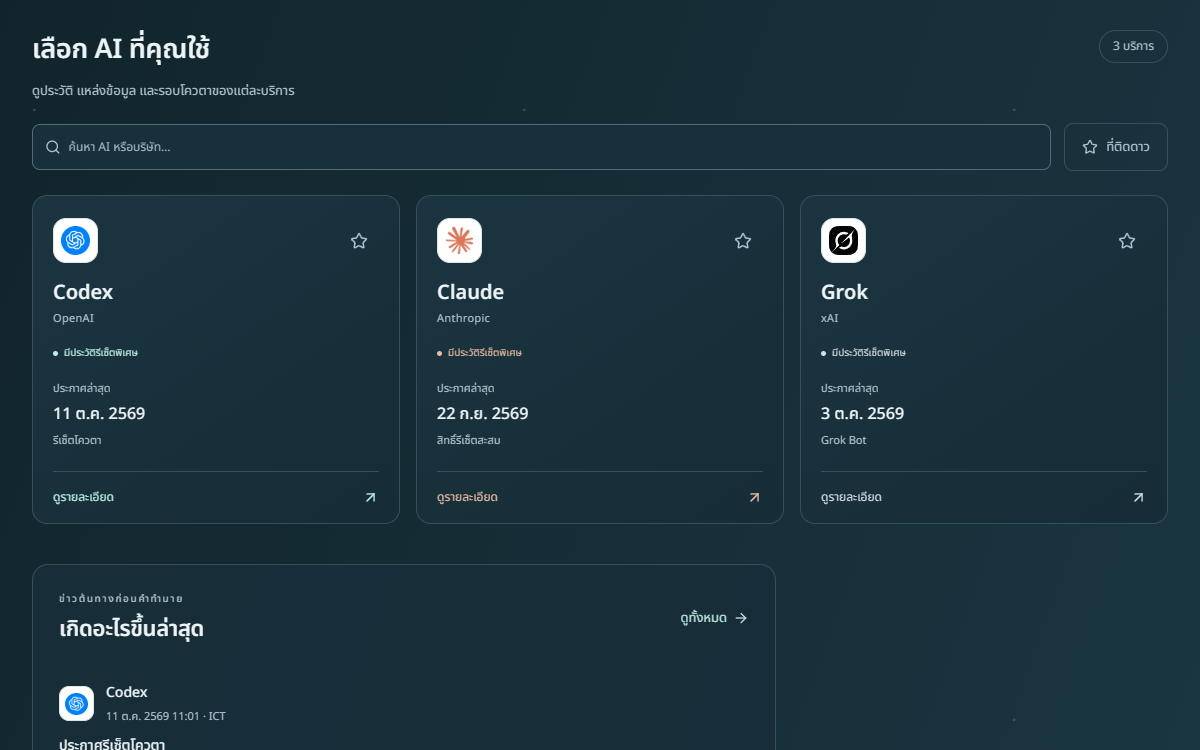
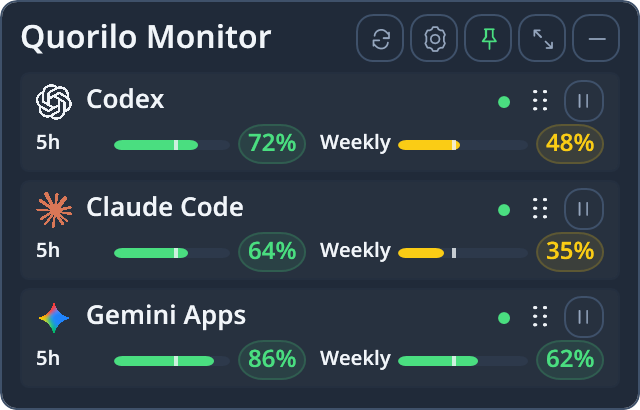
Keep supported quota readings beside the work you are doing.
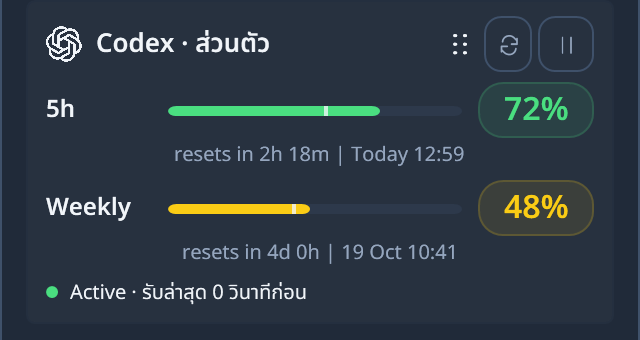
See supported reset times before starting a longer session.
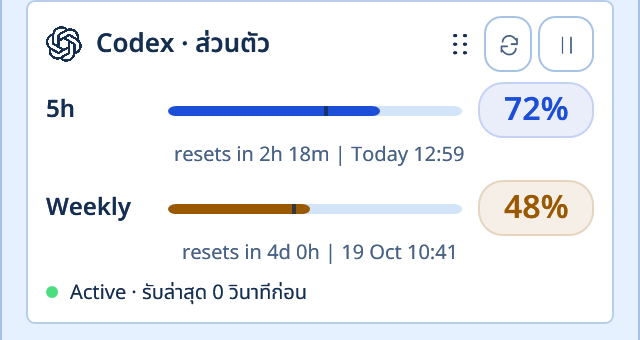
Choose a theme, go compact, or tuck the widget away.
No. Quorilo Monitor displays supported usage and reset information. It does not increase limits or include AI service subscriptions.
An unavailable reading is shown as a dash or a waiting state. Cached or paused data is labeled; no percentage is invented.
Windows 0.3.11 Preview is one sign-in-required application for Trial and Full. Start Trial explicitly begins 14 days; verified Stripe payment upgrades the same install. Burn rate is Full-only and off by default. Owner remains separate. macOS 0.3.11 Preview is available to invited testers and supports Codex and Claude Code; Gemini and Burn rate are unavailable. Check the current payment mode and price on the billing page.