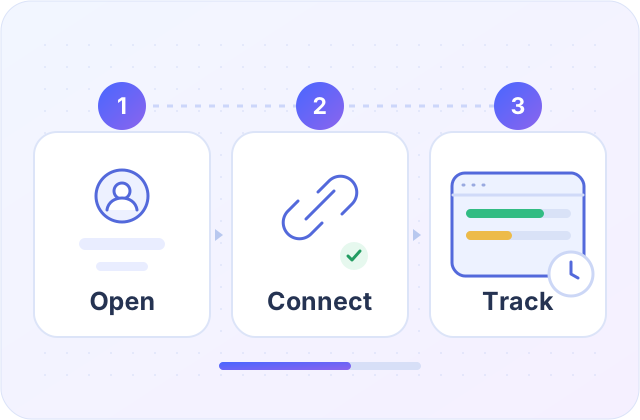
Start in three steps
Your account, your app, your AI services.
Sign in
Use your Quorilo account. Start Trial only when ready.
02Install on Windows
Download 0.3.10 Preview. Reinstalling keeps your trial dates.
03Connect your AI
Choose your services in Settings → Monitors.
Choose your connection guide



Tray & startup
Right-click Quorilo in the system tray to open the widget, settings or exit. App windows do not add a taskbar icon.
Prevent sleep
Prevent sleep is on by default while the app runs, including in the tray. Your display can still turn off. Disable it in Settings → Appearance. Exiting restores normal sleep; manual sleep and lid closing follow Windows.
Missing readings
Check the connection and reading time. Unavailable is shown as —; do not reinstall just to refresh a reading.
Trial & Full
Trial begins only when you select Start Trial and lasts 14 days on one computer. Full supports two computers; verified payment upgrades the same app. One AI account per provider. Mac Apple Silicon 0.3.11 Technical Preview is available from Downloads; native testing on a Mac is still pending.
Burn rate · Full
See the recent pace of quota use. Off by default.
How the number works
A five-minute average of fresh readings, per service and quota window. Starts after 15 seconds. 80% to 78% in one minute is 2.0 percentage points/minute, not tokens or money. Stale, paused, reset or changed-account readings restart the calculation.